• Car enthusiast? Join us on Cars Connected! iOS | Android | Desktop
  • Hint: Use a descriptive title for your new message
    If you're looking for help and want to draw people in who can assist you, use a descriptive subject title when posting your message. In other words, "I need help with my car" could be about anything and can easily be overlooked by people who can help. However, "I need help with my transmission" will draw interest from people who can help with a transmission specific issue. Be as descriptive as you can. Please also post in the appropriate forum. The "Lounge" is for introducing yourself. If you need help with your G70, please post in the G70 section - and so on... This message can be closed by clicking the X in the top right corner.

Can I watch video in a 2019 g70 2.0 advanced?

Segagenesis88

New member
Joined
Dec 10, 2021
Messages
13
Reaction score
1
Points
3
Genesis Model Year
2019
Genesis Model Type
Genesis G70
I’ve tried usb with a hundred different formats..
Haven't tried a different usb..
Cant find an sd slot if there is one…
Always says there are no media files on device


I’ll even try to get an android device if mirroring is an option… i know carplay doesn’t mirror for wired carplay connections right?

I want to watch while parked for now…
I’m starting to believe this feature was left out and only can read audio files…

If anybody has a hack pleeeeeease let me know. I dont want to buy a tablet for the car. Lol
 
The sd slot is in the middle of the dash, underneath a small plastic cover.
Since you have tried different formats, I'm sure that you probably tried mp4 on the usb device?
I can try some different things this weekend to see if I can get it to work.
 
The sd slot is in the middle of the dash, underneath a small plastic cover.
Since you have tried different formats, I'm sure that you probably tried mp4 on the usb device?
I can try some different things this weekend to see if I can get it to work.
Thanks man, yeah i been trying everything! but in actuality it seems like the way i'm downloading them from youtube should be the best way.. everytime I convert the files to avi or divx they end up being huge which i think can be an issue. The site that let me download them from youtube is making the videos 720p mp4s about 15 or 16 mb..
I have a fat32 usb. I'll try the sd card today.
 
I think it's a safety issue
 
I tried mp4 and xvid on the usb and they were ignored by the car.
I am running android and screen mirroring is probably the best option.
I installed aaad and then aa mirror but it did not work for me. You may want to try it.

I am still researching other screen mirroring options.
 
I tried mp4 and xvid on the usb and they were ignored by the car.
I am running android and screen mirroring is probably the best option.
I installed aaad and then aa mirror but it did not work for me. You may want to try it.

I am still researching other screen mirroring options.
Wow i thought that would work for sure.. I just have all apple devices.. i wanted to see if jt would work that way.. guess i can count that one out too
 
My MPG file plays on screen from my USB.
 
Still looking for a solution if anybody has one! I have an apple phone not android if there os a screen mirror option
 
Looking to update and upgrade your Genesis luxury sport automobile? Look no further than right here in our own forum store - where orders are shipped immediately!
I can watch DVD vids on my ‘12 Genesis while parked. You just need an older car and a CD/DVD player.
 
Yea it is officially not supported. However I have gotten it to work with Android Auto and an app called AAAD.

Google AAAD. It allows you to download third part Android Auto apps and have them work without requiring root (special permissions).

The free version lets you download once a month, however you can pay something like 3GBP for unlimited downloads. The specific app that you want from AAAD is Fermata Auto, which lets you play any video files on your phone to your car screen.

It also has cool apps like Carstream, which lets you play Youtube, and some screen mirroring apps (which don't work well for me). No matter what, Netflix will not play on the screen. I believe it's an internal Netflix code that prevents it from being streamed to any device.
 
You will need an android device for this. Not sure if there is an equivalent for iOS.
 
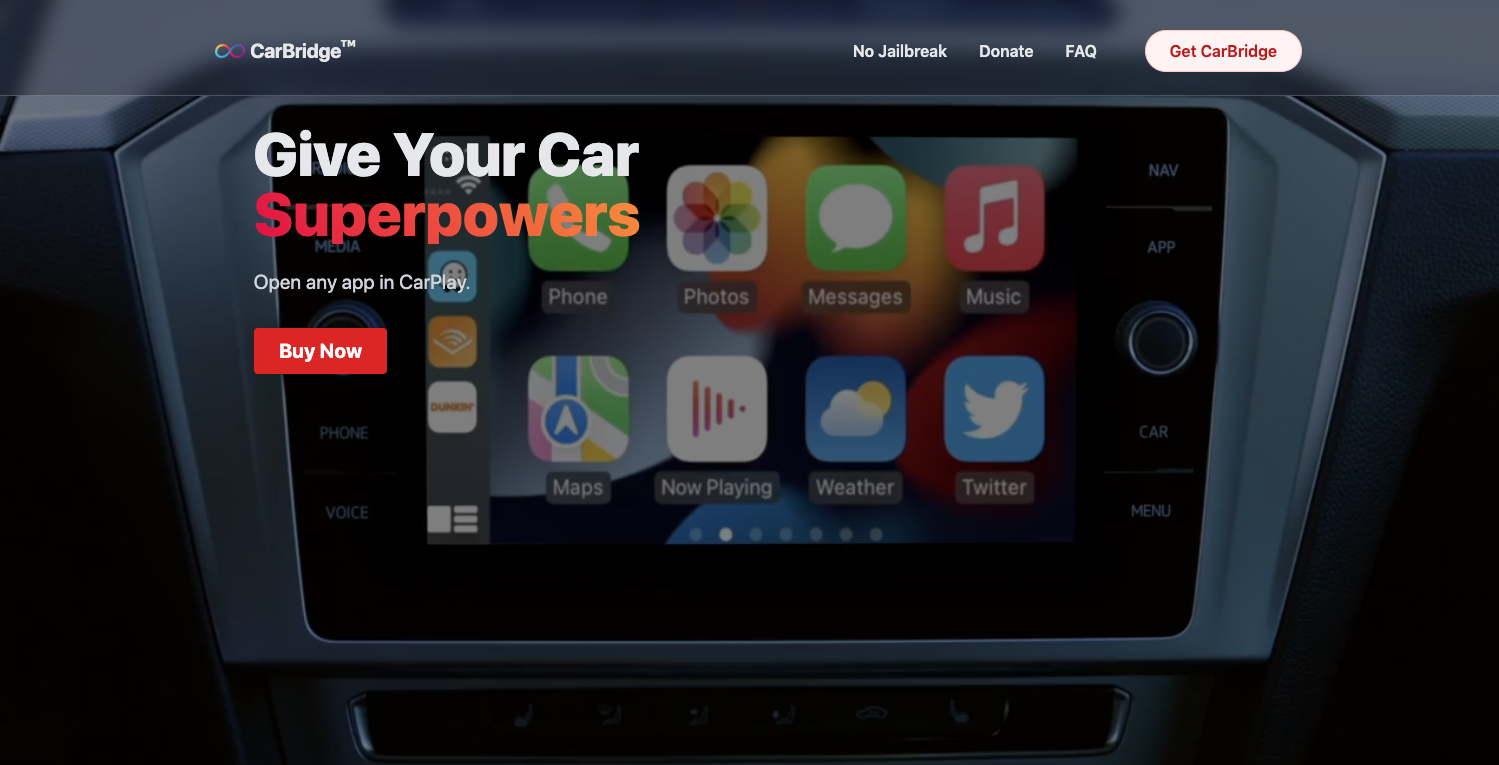
If you have a jailbroken iOS phone you can use Carbridge. It's 10 bucks but appears to work. There are many YT videos out there about installing a free version of Carbridge without requiring a jailbreak. They are complete SCAMS.


There is also a free app, Carplayenable, but again requires a jailbroken phone: CarPlayEnable - Run any app on Apple CarPlay (YouTube, VLC, etc)
 
Last edited:
Yea it is officially not supported. However I have gotten it to work with Android Auto and an app called AAAD.

Google AAAD. It allows you to download third part Android Auto apps and have them work without requiring root (special permissions).

The free version lets you download once a month, however you can pay something like 3GBP for unlimited downloads. The specific app that you want from AAAD is Fermata Auto, which lets you play any video files on your phone to your car screen.

It also has cool apps like Carstream, which lets you play Youtube, and some screen mirroring apps (which don't work well for me). No matter what, Netflix will not play on the screen. I believe it's an internal Netflix code that prevents it from being streamed to any device.
Thank you!!! Im going to try this ASAP!
 
Yea it is officially not supported. However I have gotten it to work with Android Auto and an app called AAAD.

Google AAAD. It allows you to download third part Android Auto apps and have them work without requiring root (special permissions).

The free version lets you download once a month, however you can pay something like 3GBP for unlimited downloads. The specific app that you want from AAAD is Fermata Auto, which lets you play any video files on your phone to your car screen.

It also has cool apps like Carstream, which lets you play Youtube, and some screen mirroring apps (which don't work well for me). No matter what, Netflix will not play on the screen. I believe it's an internal Netflix code that prevents it from being streamed to any device.
Confirmed that this works on my end. Thank you! Dennis
 
Back
Top