


astroshotit
Registered Member
- Joined
- Aug 22, 2023
- Messages
- 60
- Reaction score
- 35
- Points
- 18
- Genesis Model Year
- 2020
- Genesis Model Type
- Genesis G70
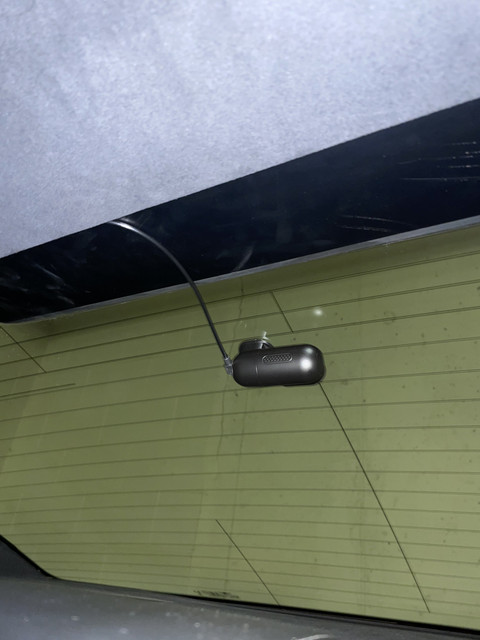
Hey everyone, I posted a reply in the other main dashcam thread with my experience putting in a dashcam, but wanted to share my experience separately to provide others a different option for a new dashcam. I recently installed a VIOFO A139 Pro in my 2020 G70 3.3T Sport. I have greatly enjoyed it so far and it seems to be an excellent value if you want one of the best cameras on the market. I chose this camera for a few reasons:
Below is some sample footage on my way to work from the front and rear cameras. I have the camera in HDR mode with the polarizing lens installed (I might need to rotate it slightly to completely eliminate the reflections you see in the windshield.) If you want to see the full quality, set the quality to 4k on the front and 1080p on the rear in the YouTube players below. Feel free to drop any questions and happy to help if I can.
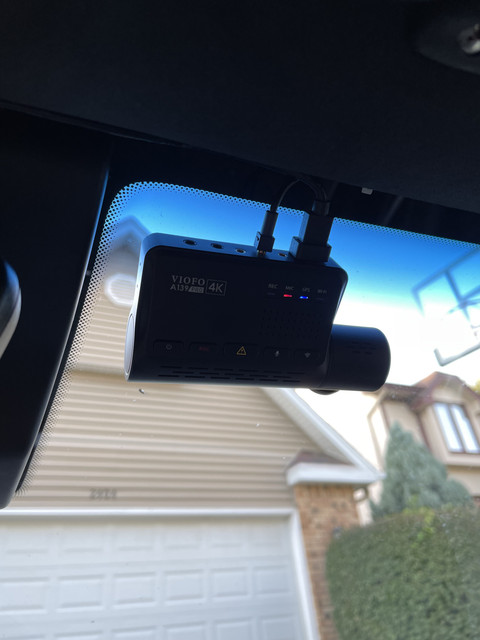
- Front camera 4k sensor with the new Sony Starvis 2 sensor - excellent image quality
- Front and rear cameras (rear camera is 1080p, both front and back are 30fps)
- Advanced parking mode with buffered recording (records 15s before and 30s after motion is detected)
- This was my number 1 "make or break" feature I needed to have, wanted peace of mind from hit and runs
- Did not want a camera with a screen.
- Wanted to install this with everything I needed for about $350.
Below is some sample footage on my way to work from the front and rear cameras. I have the camera in HDR mode with the polarizing lens installed (I might need to rotate it slightly to completely eliminate the reflections you see in the windshield.) If you want to see the full quality, set the quality to 4k on the front and 1080p on the rear in the YouTube players below. Feel free to drop any questions and happy to help if I can.












